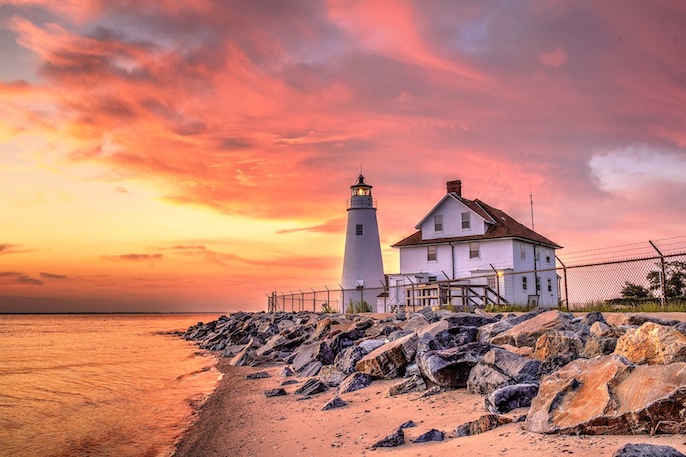
Try High Dynamic Range (HDR) photography to capture the scene as you saw it.
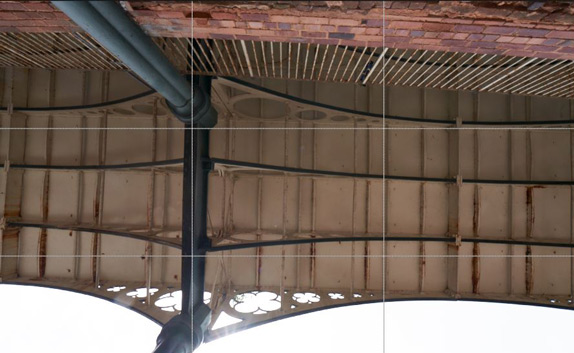
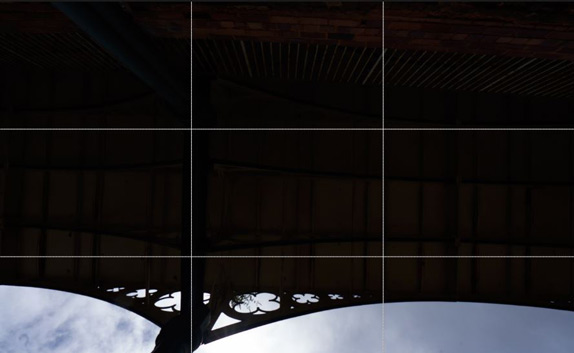
Merge exposures in Photomatix to recover shadow and highlight detail from your image capture.
You will get a more accurate 3D model, evenly lit textures, and you won't miss important image data.
Photomatix Pro costs $99 and is a standalone program running on Windows and Mac.
The HDR Batch Plugin costs $59 and runs in Adobe Lightroom.
Photomatix Real Estate Camera runs on iPhone. Its in-app purchase option costs $9.99.
PhotomatixCL is a CLI tool running on Windows and Linux servers, and is available from $19.99/month.
News
20 September 2023: Photomatix Pro updated to version 7.1, which includes a customization option, an improved HDR Inspector, and lens selection in batch mode.
2 February 2023: Photomatix Pro 7 released, adding batching with previews, reuse of the ghost removal mask, and saving 32-bit DNG among other features.
23 August 2021: Photomatix Pro updated to version 6.3, adding native M1 support, with up to 60% boost in performance, and support for Canon EOS R and Nikon Z RAW files.
26 May 2021: The HDR Batch Plugin for Lightroom has been updated to version 2, adding the creation of unprocessed 32-bit HDR images, and saving as 32-bit DNG, 32-bit TIFF and OpenEXR.
23 January 2020: Photomatix Pro updated to version 6.2, adding a plugin for Capture One and Canon CR3 support.
5 March 2019: Photomatix Real Estate Camera, an iPhone app for taking high-quality real estate pictures without photography expertise, now available on the App Store.
26 March 2018: HDR Exposures Calculator now available in iOS. The free web version of the app is still available at HDRsoft.com/ev.
13 August 2017: Q&A on using HDR for a solar eclipse based on the questions from a user preparing to photograph the August 21 eclipse.
21-May-17: Photomatix Pro 6.0 released, adding a new HDR rendering method for realistic results, a Brush Tool, color adjustments, straightening, and more.
30-Sep-14: Photomatix Essentials updated to version 4, adding realistic-looking Tone Mapping and Finishing Touch options among other updates. Photomatix Essentials is an easy-to-use program intended for photographers who are new to HDR.